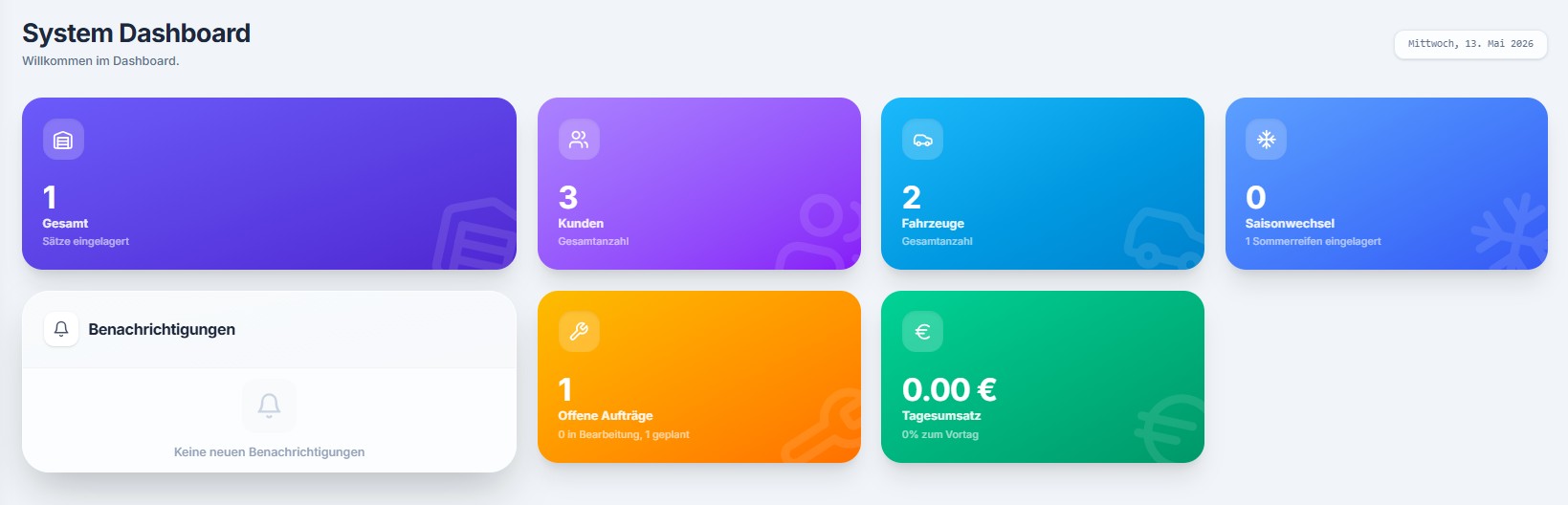
Screenshot from DoWo.tech. Display and sample data may differ from the current version.
Screenshots from DoWo.tech
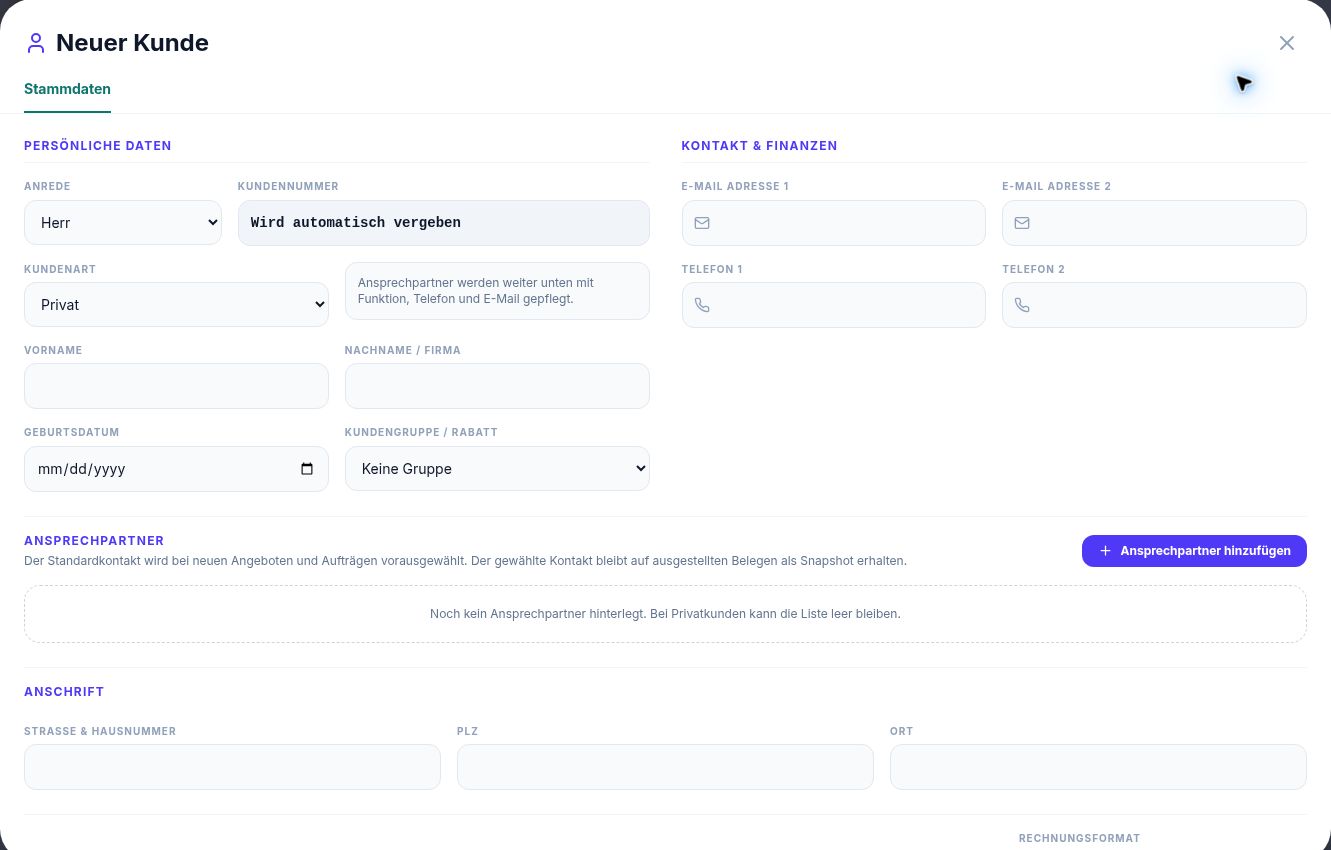
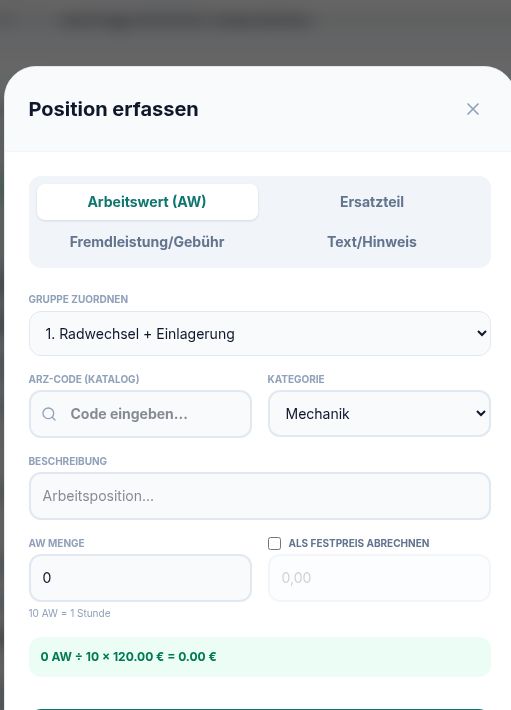
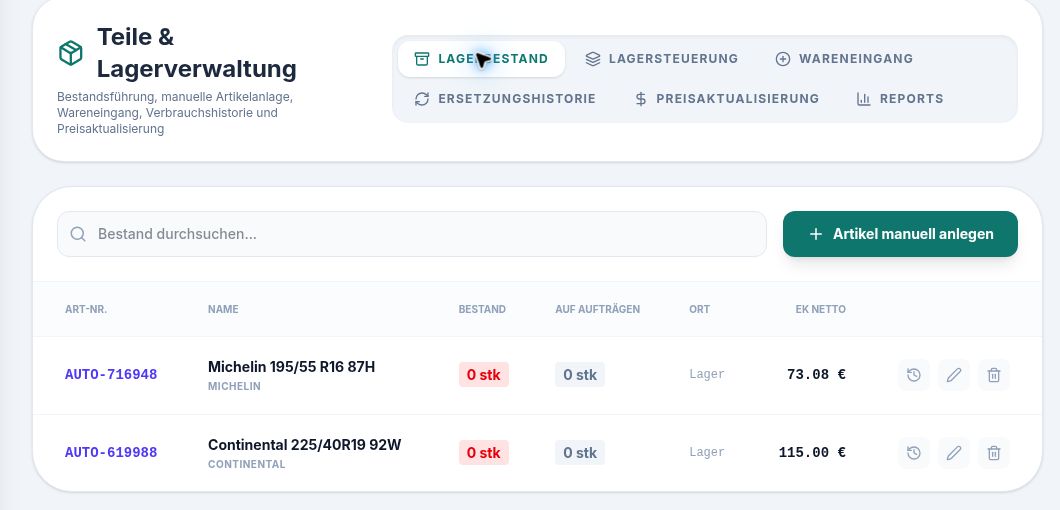
01The form groups customer type, contacts and contact details. Empty demo form from DoWo 0.20.0 Build 5.02The dialog shows fields for labour value, code, category, description and quantity. It does not show a completed workshop order.03The inventory view lists item number, description, quantity and storage location. Synthetic sample items have zero stock.
The screenshots show the German-language DoWo demo with blank forms or synthetic data, captured on 20 October 2026.
01
Manage workshop jobs
Prepare a quote with labor and parts, turn an accepted quote into a workshop job, record the work performed and invoice the result. The PDF invoice and related records remain connected to the job. XRechnung is available for appropriately configured recipients.
02
Know the customer and vehicle
Customer details, linked vehicles, notes and documents provide a common starting point for reception, workshop and administration. Access depends on assigned roles and permissions.
03
Connect stock and service
Use stocked parts in workshop jobs and review the related stock movements. Tire storage adds wheel sets, locations and recorded condition. Minimum stock alerts help your team spot shortages; ordering decisions remain with your business.
Common questions
Do I need every module?
No. Choose the areas your business needs. The live price calculator combines the selected modules with the number of staff accounts and billing period.
Can a quote be invoiced directly?
The documented workflow converts a quote into a workshop job. Add the work and parts performed there before creating the invoice.
How can my team explore DoWo?
The online demo contains prepared data. Try typical reception, workshop and administration tasks and check the available permissions.
Find the right combination for your team.
Compare current modules and prices, or ask how DoWo would fit your workflow.