Quote and approval
Create a quote for a customer and vehicle with planned work and parts. After approval, transfer the positions to a workshop job.
Workshop jobs
Keep labor, parts, documents and billing linked to the same workshop workflow.
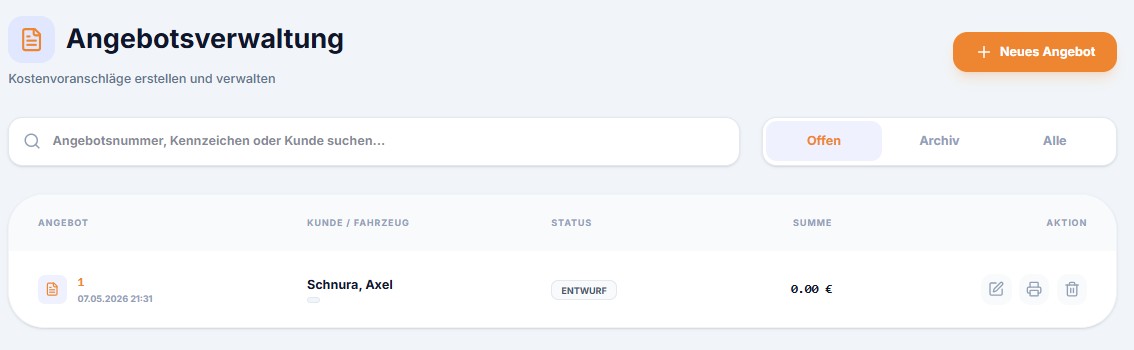
Create a quote for a customer and vehicle with planned work and parts. After approval, transfer the positions to a workshop job.
Record labor time, hourly rates and parts in the job. The office can review positions and quantities before invoicing.
Create an invoice after completing the job. PDF and, for configured recipients, XRechnung are archived. An authorized employee can trigger email delivery from the document archive.
Yes. The accepted quote can be transferred to a job and completed there.
No. It is created for appropriately configured invoice recipients and can be sent by an authorized employee from the archive.
Yes. Parts and their stock movements can be connected with the workshop job.
Compare current modules and prices, or ask how DoWo would fit your workflow.